
Published by IPL Betting. Sources checked on 11 September 2026; examples are illustrative.
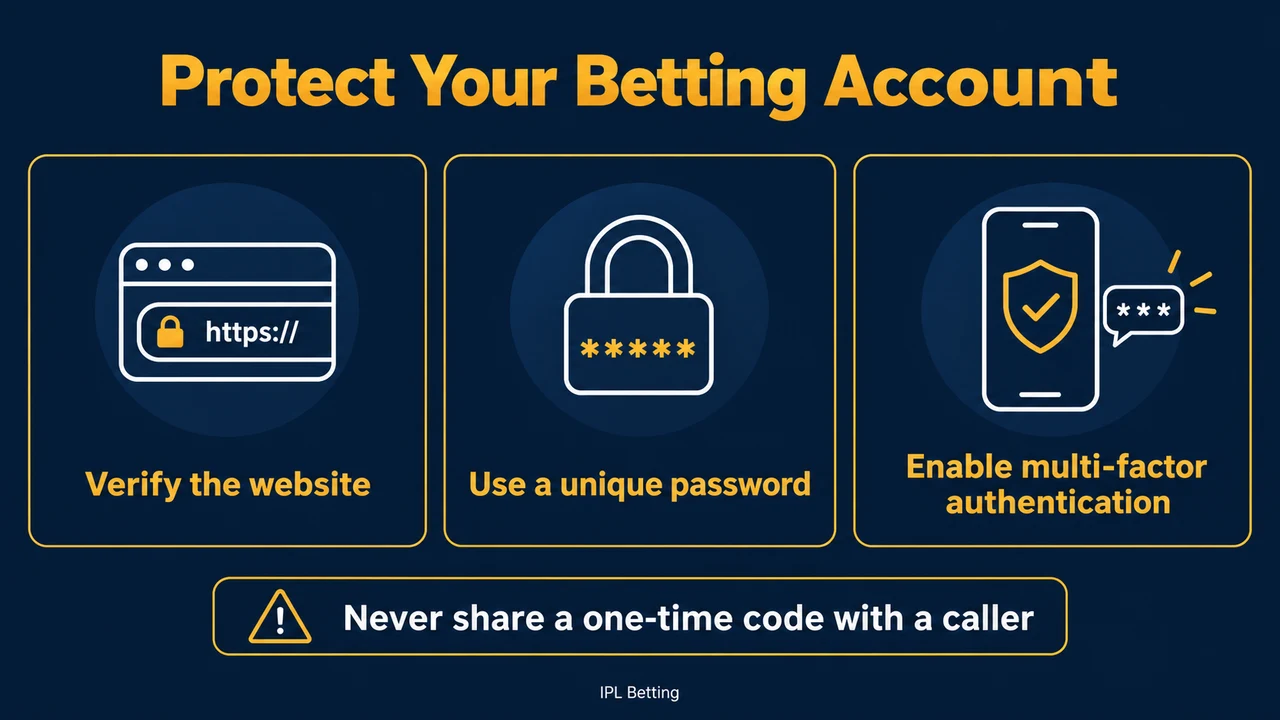
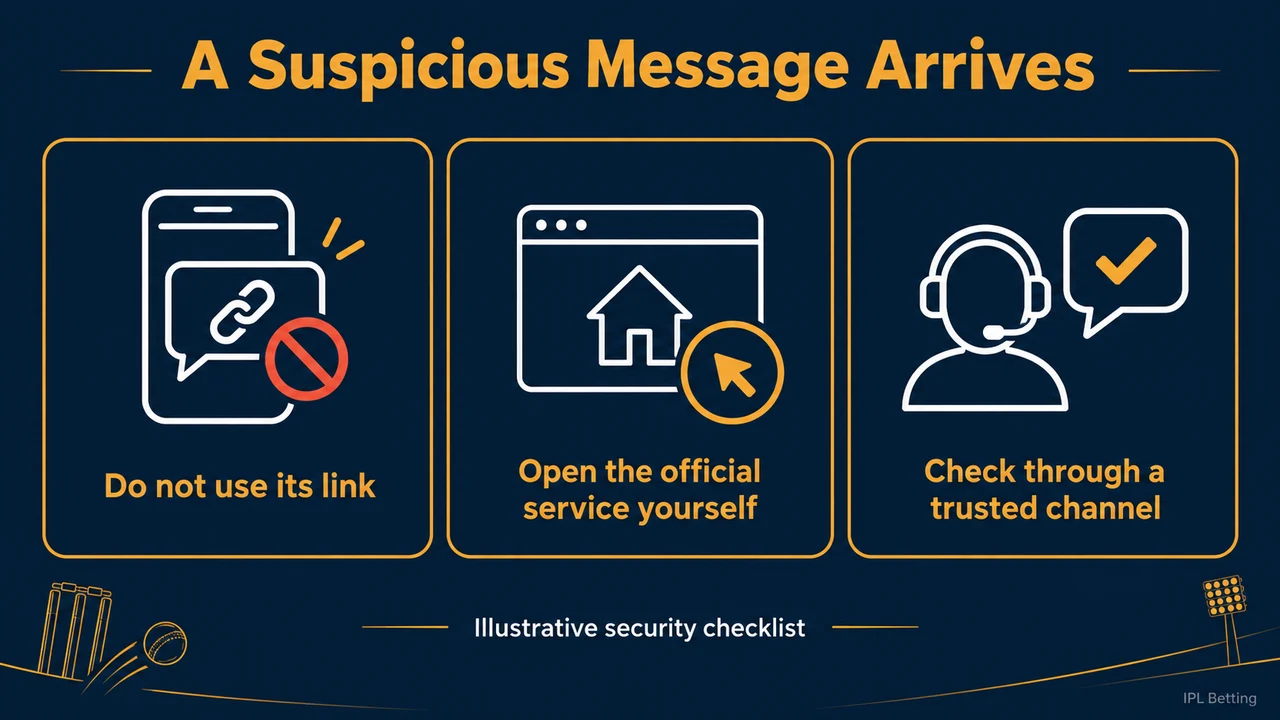
A message arrives just after a withdrawal request: “Your account needs verification. Complete this form within ten minutes.” The timing makes it believable. It does not establish who sent it. The same warning could come from the service or an impersonator. Open the service independently and check for an account notification there.
Check the message before acting on it. Close the message, open the address or app you already use, and look for the notification there. Do not let the sender choose both the problem and the route you use to solve it.
Check the request somewhere else
NIST describes phishing as messages that trick people into opening harmful links, downloading software, or sharing sensitive information. Its advice is to verify a request using known contact details rather than details supplied in the suspicious message. That distinction matters when a message includes a convincing signature, an account number, or a familiar logo.
Suppose a chat account claims to be withdrawal support and asks you to install a screen-sharing app. Find support through your independently opened account instead. Ask whether there is an outstanding case and whether the named procedure is genuine. Until that is confirmed, do not install software, share your screen, or send documents.
A padlock beside a web address only indicates an encrypted connection. It does not establish that the recipient is the company you intended to contact. Read the actual domain, not the large brand name in the page header. On a small phone screen, expand the address before trusting it.
Protect the account that resets your other accounts
Your email deserves as much attention as the betting login. An intruder with access to password-reset messages may not need to know the original password. Use separate passwords for the two accounts, and enable additional authentication wherever supported.
Store recovery codes somewhere you can retrieve without depending on the same locked account. Check that your recovery phone number and email are still yours. If you have changed phones, review the old device’s access rather than assuming that uninstalling an app ended every session.
An unexpected authentication prompt should be declined. Repeated prompts are not a reason to approve one simply to make them stop. NIST recommends multifactor authentication and points to phishing-resistant methods; the available options will depend on the service. No setting removes the need to check an unexpected request.
Verification documents need a verified destination
A legitimate identity check may require personal documents, but a request for documents is not proof of legitimacy. Check the purpose, destination, accepted document types, and privacy information within the verified service. Avoid sending additional pages simply because a stranger says that more information will speed things up.
Never send a password, recovery code, or one-time login code to someone in a conversation. A code entered into a verified login flow and a code dictated to an unsolicited caller are different actions. If the person says they need your code to cancel a transaction, end the conversation and contact the service independently.
If you already responded
Start with what you actually disclosed. Clicking a page, entering a password, uploading identification, and authorising a payment require different follow-up. Write down the time, the address, and the actions you took while they are still fresh. Avoid revisiting the suspicious page to investigate it yourself.
If credentials were entered, change the affected password through the genuine service and change any reused passwords. Review available session controls and recovery details. If money or payment information was involved, contact the relevant bank or payment provider promptly through its official channel. Ask what protective steps are available; do not assume that a refund is automatic.
Keep the original message and transaction reference for reporting, but redact sensitive details before sharing screenshots outside a secure support process. Do not post an unredacted identification document publicly to prove that you were deceived.
A simple incident note
Use four lines: what arrived, what you did, what information left your control, and which official services you contacted. For example: “At 19:40 I opened a text link and entered my password. I did not enter the payment code. At 19:48 I changed the password from the official app and reported the message.”
This record is more useful than a long argument with the sender. It helps the genuine support team understand the exposure and gives you a clear next step. An account remaining accessible is not proof that nothing happened, so finish the checks even if the login still works.
Questions readers ask
Does a message inside a familiar chat app make it trustworthy?
No. The app carries the message; it does not establish the sender’s authority. Start a separate conversation through the service’s verified support route instead of trusting the profile name or photograph.
Should I make a small payment to unlock a withdrawal?
Do not pay an unsolicited contact. Verify the request independently and read the applicable account terms. A demand for urgency is a reason to slow down and establish who is asking.
Can I keep watching cricket while this is resolved?
Yes, without using the affected account. Avoid further account transactions while access or payment security is uncertain. Protecting the account takes priority over a match deadline.
Sources checked on 11 September 2026: NIST phishing guidance.
Related reading: IPL Betting App Checklist for Filipino Readers: Odds Screens, Limits, Verification, and Support; GCash IPL Betting Guide Philippines: Wallet Setup, Match-Day Transfers, and Safer Payment Habits for Readers; Common IPL Betting Mistakes and How to Avoid Them on Match Day.